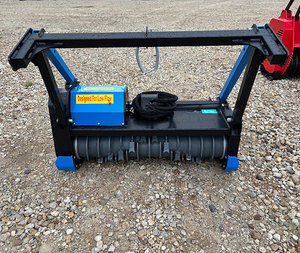
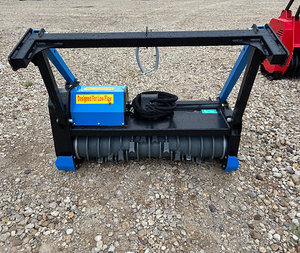
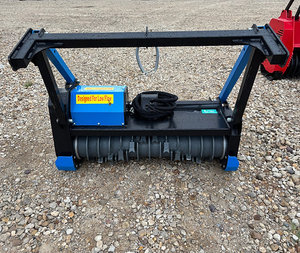
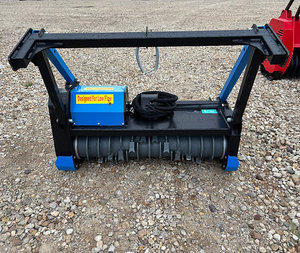
No Image Available
AFTER THE ENTIRE AUCTION HAS ENDED, YOU WILL NEED TO SCHEDULE A REMOVAL APPOINTMENT!
**DO NOT CALL AUCTION MANAGER FOR AN APPOINTMENT TIME. ALL TIMES MUST BE SCHEDULED ONLINE**
AN INVOICE WILL BE GENERATED IN YOUR DASHBOARD LIST. (IT WILL SAY YOU HAVE 1 OPEN INVOICE)
1. Click on "Invoice Tab".
2. Find current auction in list and click on "Manage Invoice" to right of that line.
3. Once in Manage Invoice, you can "Pay your Invoice" or "Make Removal Appointment".
4. Click on "Schedule a Time" and find an open spot in the list.
5. PLEASE SHOW UP AT YOUR SCHEDULED TIME!

Shipping Request Policy
All shipping requests must be submitted directly to our shipping team after your auction has closed and your invoice has been paid in full.
To Request Shipping:
Email: Makinzi@kcmarkethouse.com
Text: (816) 286-7666
Please include:
Thank you for choosing KC Market House!

Shipping Request Policy
All shipping requests must be submitted directly to our shipping team after your auction has closed and your invoice has been paid in full.
To Request Shipping:
Email: Makinzi@kcmarkethouse.com
Text: (816) 286-7666
Please include:
Thank you for choosing KC Market House!